CurveMail Android App Review
CurveMail is an easy to use third-party email app for Android. As its name indicates, it provides a curve interface that is unique. You can download CurveMail app for free from Google Play Store.
Features
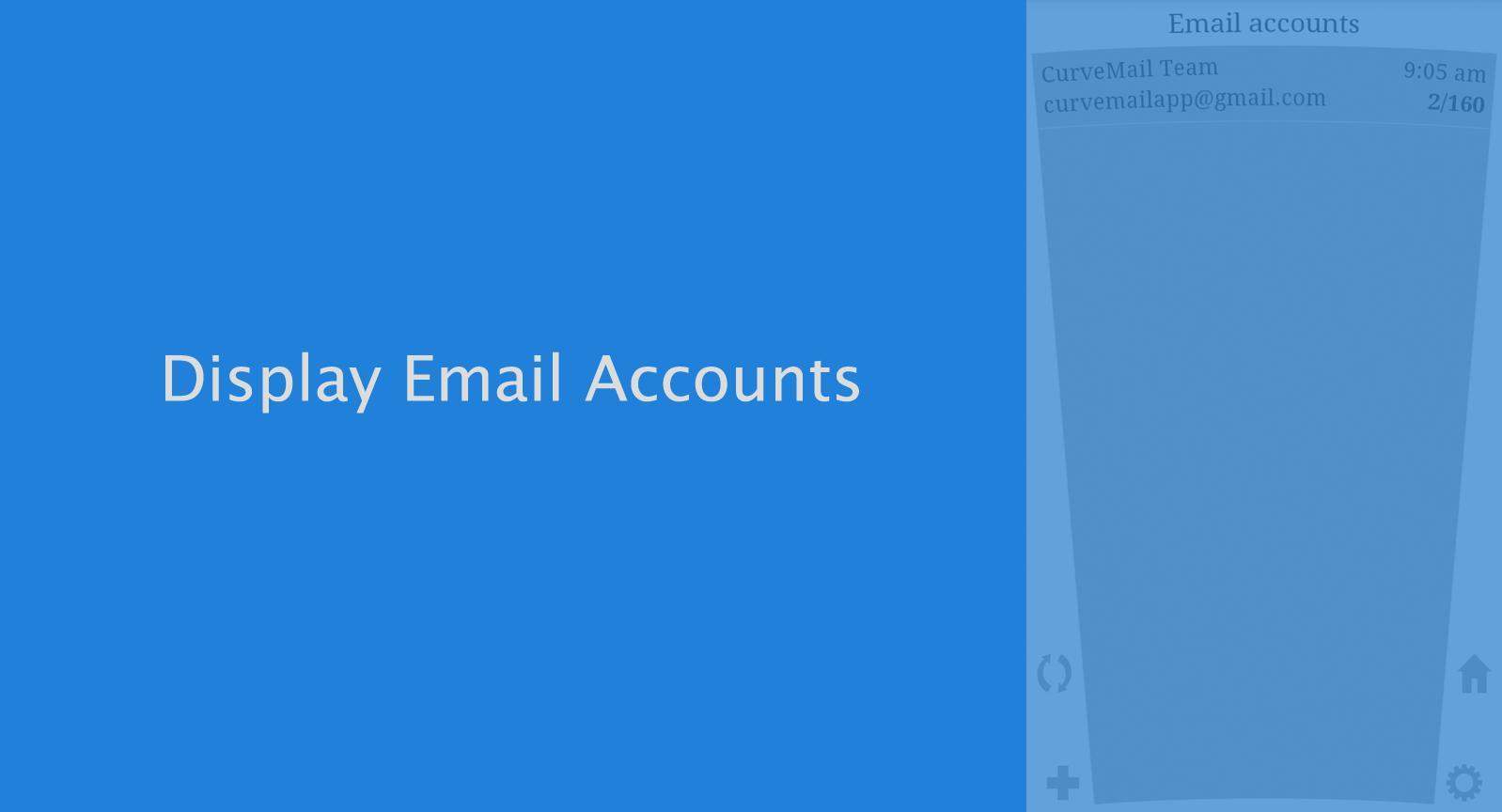
CurveMail for Android let you easily manage email and multiple email accounts from one place. Its curved interface will take some time to get used to. But we had a hard time understanding its purpose. Certainly we have not noticed any improvement in productivity owing to the curved design. In fact, first time users might get a bit irritated with the curved design of the UI. However, the curve effect only applies to account selection and inboxes. For composing and email reading, it is like any other email app. CurveMail app is relatively easy to set up. It features few gesture based controls that will help you keep your inboxes under control. For example, simply swipe left or right to delete a message or send a reply to an email respectively. You can also delete an account with a swipe or by making a squeezing gesture. Another positive about CurveMail for Android is that it offers unlimited email account support. Many third-party apps limit the number of email accounts you can have. With CurveMail, there are no limits.
On the technical front, CurveMail for Android supports POP3, IMAP, SMTP, SSL, and TLS. Of course, it allows you to scan senders, recipients, subjects, and messages to conduct email search. Other notable features include configurable settings for font, highlighted color, time format, and email notification, and support for import/export of an encrypted file containing email accounts’ settings via Android Menu Key. We found the app to be pretty stable and responsive as well. CurveMail requires Android OS 2.2+.
Conclusion
CurveMail for Android does not have ads or in-app purchases to bother you. But we can’t find any true functional reason for why one should opt for a curved interface email client since it does not seem to improve your productivity or email efficiency even marginally. But CurveMail supports unlimited email accounts and that is a big positive. The gesture based controls are intuitive at best. Support for multiple languages comes handy for non-English speakers. Overall, a reliable email client, but with a curved interface. Check it out if you are looking for a different email experience.
Category: Free Android Apps


