Microsoft Authenticator Android App Review
Microsoft Authenticator Android App helps you to easily and securely sign in using 2FA/MFA. It is a two factor authentication that provided a convenient, easy and s secure access to your Microsoft account. You can use your phone to log into your account anywhere and anytime. It is that simple. The first level of authentication is your user ID. You need to type the user ID and a notification will be sent to your phone which you need to approve. The second level of authentication will be your PIN, face ID or fingerprint. The two factor authentication will provide access to all Microsoft services and accounts.
Get A Multilayered Protection For Your Microsoft Account
Microsoft Authenticator Android App is a simple to use authentication system that allows you to access Microsoft account to all its services and products. The username authentication followed by Pin provides double security to your data and communication. A one time password is generated and sent as notification to your phone. A 30 second timer count is provided for the one time passwords within that duration you will have to use it.
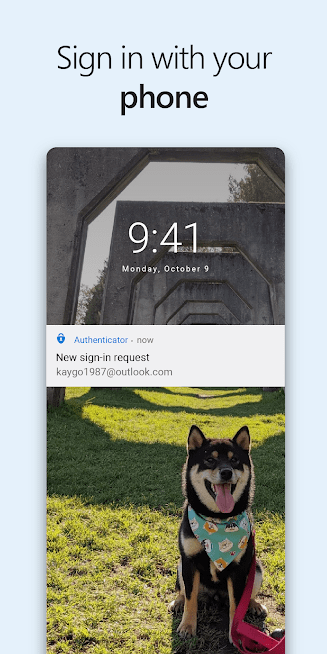
The one time password authentication does not require you to be connected to the net. Multiple accounts can be linked to the app. Facebook, Amazon, Google, Dropbox and more. If you have to use multiple devices for personal or official use, you need to register the devices with app so you can seamlessly switch devices. One signing in into the Microsoft account is enough to access all Microsoft apps.
Conclusion
Microsoft Authenticator Android App, from Microsoft Corporation, gives you a double layer of protection to access Office, Onedrive, Outlook and more. The 2FA and TFA gives you the multilayer authentication that is quite easy and secure. The beta version is underway and make sure you get updated with the latest version to stay in line with performance and bug fixes. You can seamlessly access your account using all the device you have connected with app. The app is free for download and use. There are no ads placed by the developer. There are no in-app purchases available in the app.
Category: Free Android Apps


