TimeLock App for Android Review
Some things are meant to be shared while some others are not. If you have data in your phone that needs to be protected from prying eyes, check this one out: TimeLock app for Android. It is a high security vault to store your photos and videos, disguised as a clock. You can get TimeLock for free.
TimeLock App Features
TimeLock app for Android let you hide your personal photos and videos. It is a high security vault that is password protected. Further, it is cleverly disguised as a clock. From outside, it looks like an ordinary clock. But it is actually your password protected vault. In order to open it, you got to tap an inconspicuous hands button and then turn the hour and minute hands of the clock to set the correct four-digit passcode. Now press the secret button again to confirm the passcode. If the entered passcode is correct, you can straightaway see the contents of the vault.
When you first fire up TimeLock, you’ll find the vault empty. You got to manually add the photos/videos you want to hide from the gallery. Take note that the said step won’t delete your photos/videos from their original folders and gallery. You have to remove them manually. Also keep in mind that even if you close TimeLock app, the vault will remain open. The only way to close the vault is to shake your phone. It would have been great had the app had an ‘auto lock’ feature.
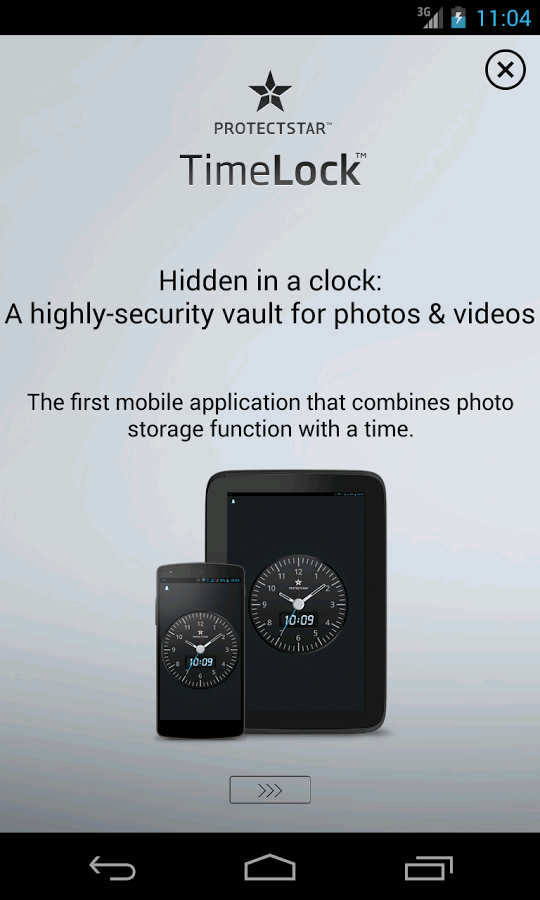
TimeLock for Android uses a strong 256-bit AES (Advanced Encryption Standard) algorithm to protect your photos and videos. If you are new to the term AES-256-bit encryption, it is one of the safest methods of encryption in the world as of today. On the flip side, you can’t view the clock in landscape mode. TimeLock app is compatible with Android OS versions 2.3 and up.
Conclusion
TimeLock app for Android is secure and reliable enough to safely store your personal photos and videos. Its idea of disguising as a regular clock design is commendable. The app is easy to configure. However, there is only one clock design and it can only be formatted in 24 hr format. Verdict: We suggest that you try it out at least once. Don’t forget to shake your phone after you’re done with viewing the contents of the vault.
Category: Free Android Apps, Free Android Tools


Wow, wonderful blog format! How lengthy have you been blogging for?
you made blogging look easy. The whole look
of yourr site is magnificent, let alone the content material! https://yv6bg.mssg.me/