Google Camera Android App Review
Google Camera is a free camera application released for Android devices by the mighty Google Inc. The application which is the default camera app for all Google devices like the Nexus series can now be installed and used on many other non-nexus devices too, with all its glory. Google Camera for Android has always been famous for providing amazing features within a relatively small size and now that it has been spread to a large number of devices, its popularity is being increased more and more.
Features
The best thing about the Google Camera Adnroid app would be its fast responsive menus and an intuitive interface. The controls and options are extremely simple that anyone can use it perfectly without any prior practice. As soon as you open up the application, you can view your capturing frame neatly placed within a perfect background. To switch between photo and video, all you need to do is to swipe your screen right or left. A set of quick controls are placed at the bottom or the right hand side of the screen, depending upon the orientation of the picture, whether portrait or landscape. These quick controls provide you with all the necessary adjustments to make while capturing a picture or video.
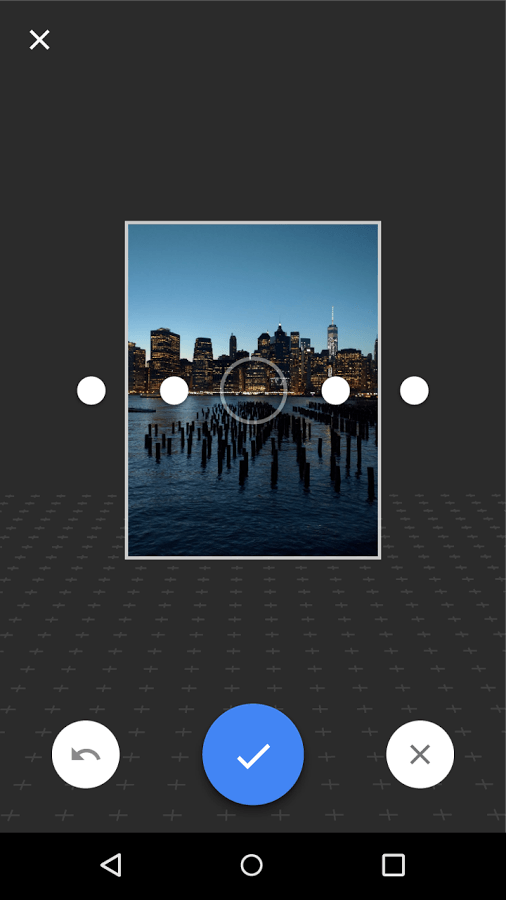
Google Camera for Android provides five different modes of photography at present, namely Photosphere, Panorama, Lens Blur, Standard and Video of which the standard and video modes are the usual capturing modes of photo and video respectively. Among the others, the Photosphere and Panoramic modes are quite similar, enabling you to cut, stitch and line up a set of photos to create large images up to 360 degrees views. The ‘Lens Blur’ feature lets you blur any part of your image whether background or foreground thereby creating amazing results. Other major highlights include the bonus features like Auto HDR, Slow motion video, Smart Burst etc. However, only a limited set of devices support these features while the rest of them should be getting them in the coming updates. The major drawback of the application also lies here. Since the app is made suitable only for high end mobile phones with higher software versions, those having lower specifications might experience quite a few lags and hangs.
Conclusion
Google Camera app being developed by one of the most reliable brands in the Android industry, has all what it has to have to live up to its name. Some may love it for its simple, easy to use way of photographing objects while the others would love it for its cool set of features that are reminiscent of a professional camera.
Category: Free Android Apps


